How to Use Avast Free to Scan a USB Drive
- Sep 26, 2025 02:51 am
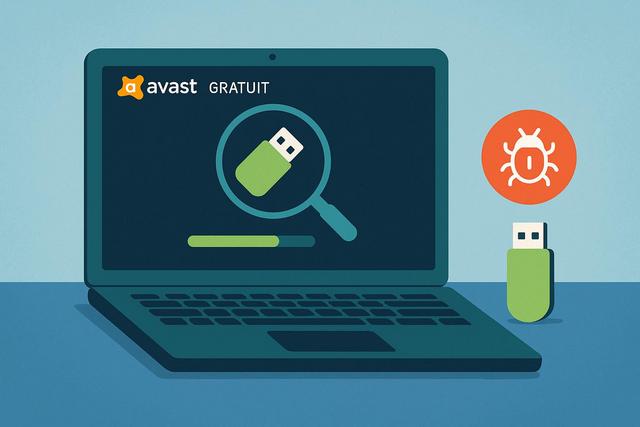
Using Avast Free to scan a USB drive is an effective solution to protect your computer from threats. Learn how to perform a scan without the risk of infection.
For more information, visit the download page.
Why Scan a USB Key with Avast Free?
Using USB keys is a common practice for transferring and storing data. However, these devices can also be a vector for infection for your computer. Scanning a USB key with Avast Free ensures that you do not transfer any malicious files to your PC.
Risks Associated with USB Keys
USB keys can contain viruses or other malware that can damage your system or steal your personal information. These cyber threats are realities that many users ignore until it is too late.
Avast Free, Essential Protection
Avast is well known for its ability to identify and neutralize cyber threats. Even in its free version, it provides robust protection against viruses that could be present on your USB key.
Steps to Scan a USB Key with Avast Free
Installation and Update of Avast Free
Before you can scan a USB key, make sure that the latest version of Avast Free is installed on your PC. Download the application from the official site and follow the instructions for installation. It is crucial to keep your antivirus software up to date for optimal protection.
Scan a USB Key
- Connect your USB key to the computer.
- Open the Avast software and go to the main menu.
- Select "Scan" from the available options.
- Choose "Scan External Devices".
- Follow the instructions to start the scanning process on your USB key.
The Avast scanner will analyze your USB key for threats. Make sure not to infect your PC by removing the key before the scan is complete.
Advantages of Using Avast Free
Performance
Even a free application like Avast offers impressive performance. It can quickly detect viruses and neutralize them before they infect your system.
Ease of Use
Its user-friendly interface allows even novice users to easily protect their devices. With clear and simple instructions, scanning a USB key becomes an easy task.
Real-Time Protection
Avast's real-time protection actively detects and blocks threats before they can affect your files and system.
Additional Precautions When Using USB Keys
In addition to regularly scanning your USB keys with Avast Free, adopt good practices to enhance the security of your data:
- Only use your USB keys on secure computers.
- Avoid storing important or sensitive data on USB keys.
- Regularly format your USB keys to minimize the risk of infection.
Conclusion
Using Avast Free to scan your USB keys is an effective method to prevent viruses from infecting your PC. With simple steps and a user-friendly interface, Avast stands out as an essential security tool for all users. By applying these tips and staying vigilant, you can surf the web and use your external devices safely.


