Managing Netflix Profiles and Effective Parental Controls
- Nov 14, 2025 04:51 am
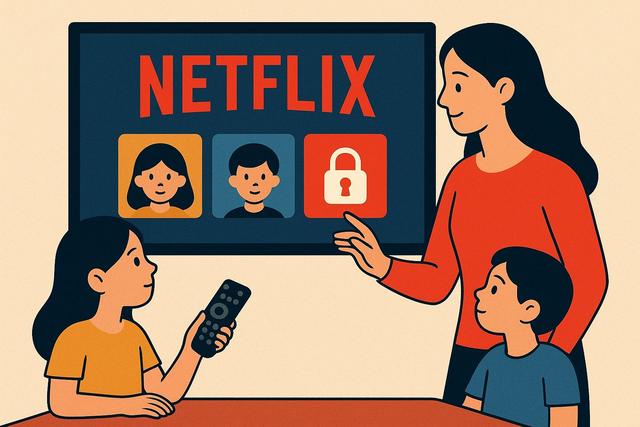
Navigating the world of Netflix can be complicated, especially when it comes to effectively managing profiles and ensuring that children access only appropriate content. Discover how to manage profiles and control access for a secure Netflix experience suitable for your family. For more information on managing Netflix profiles, you can check out the download page.
Understanding Netflix Profiles
Netflix allows users to create up to five distinct profiles, each with personalized preferences and settings. These profiles are essential for tailoring your experience, keeping track of watch lists and recommendations specific to each user. They also play a crucial role in parental control, especially in households where children have access to the platform.
Profiles allow content to be tailored to the user, making it convenient to ensure that each family member enjoys a viewing experience that suits their tastes.
Creating and Modifying Profiles
Creating a profile is simple: log in to Netflix, go to profile management, and click on "Add Profile." Give the profile a name—whether for an adult or a child—and select the "Child" option if appropriate. This automatically restricts the content to shows and movies suitable for young children.
To modify a profile, go to "Manage Profiles," select the profile you want to update, and adjust the settings as needed. Remember to regularly update these settings, especially if you have children who are growing up.
Parental Controls and Content Restrictions
Parental controls on Netflix are essential for protecting younger family members. By setting a PIN code to restrict access to adult profiles, you ensure that only those with the code can access adult content.
Netflix also allows you to restrict content by age group. You can set restriction levels ranging from toddlers to teenagers, ensuring a secure and age-appropriate selection of content for the user.
Monitoring Viewing Activity
Parents can monitor their children's viewing activity through the profile history. This tracking allows you to see what types of content your children are watching and take action if necessary to adjust the control settings.
It is essential to remain proactive and regularly discuss with your children what they are watching to ensure the content aligns with your family values.
Locking Profiles for Added Security
To prevent unauthorized changes to profile settings, Netflix now allows profiles to be locked with a PIN code. This protection system prevents modifications to profile preferences, ensuring your parental controls remain effective.
Tips for an Optimized Family Netflix Experience
- Regularly update settings: As viewing preferences change, make sure to regularly readjust the profile settings.
- Open communication: Discuss with your children what they are watching and explain the reasons for certain restrictions.
- Utilize Netflix Kids features: Use these optimized settings for simplified navigation and approved children's content.
Conclusion
Managing profiles and controlling children's access on Netflix requires active engagement from parents. With robust tools and adjustable features, you can create a secure and appropriate viewing experience for every family member. Remember that education and communication are the keys to managing digital content at home.


