OneDrive for Remote Collaboration: New Features Unveiled
- Nov 23, 2024 09:50 pm
The Rise of Remote Work
With the rise of remote work, collaboration tools have become essential. OneDrive, Microsoft's online storage service, is keeping pace and continually evolving to offer new features vital for distributed teams.
Discover OneDrive's Latest Features
In this article, we will explore the latest features of OneDrive that enhance remote collaboration. Download the latest version of OneDrive to take advantage of these improvements.
Introduction to the New Features of OneDrive
Microsoft OneDrive is a cloud storage solution that allows users to back up, share, and collaborate on documents online. Over the years, Microsoft has introduced several features to optimize remote collaboration and support teamwork, especially in the current context where remote work has become popular.
Real-Time Sync for Increased Productivity
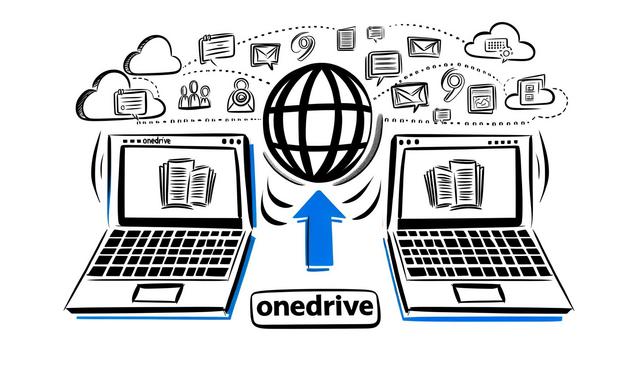
One of the main improvements of OneDrive is real-time syncing. This feature allows users to instantly edit and view changes on a collaborative document. With this update, teams can work on projects simultaneously without the need to manually merge changes. This significantly improves efficiency and reduces the risk of errors.
Advanced Sharing Options
OneDrive has simplified file sharing with advanced control options such as the ability to set permissions for each user, thereby limiting who can view or edit a document. Additionally, it is now possible to share files directly via links that expire after a certain period, ensuring added security for sensitive information.
Integration with Microsoft Teams
A feature that has revolutionized the use of OneDrive is its seamless integration with Microsoft Teams. Users can now access and collaborate on their OneDrive files directly from the Teams interface. This integration reduces the need to juggle between different tools, thereby consolidating collaborative activities into a single platform.
Enhanced Security Features
With the rise in cyberattacks, security is a priority. OneDrive now offers improved security alerts, with immediate notifications in case of suspicious activity. Additionally, the "Personal Vault" feature provides an extra layer of security for files deemed particularly sensitive.
Improved Collaboration Tools
OneDrive has developed various collaboration tools, such as real-time comments and enhanced version history, allowing teams not only to converse around documents but also to have a clear record of all modifications made.
Conclusion
With these new features, Microsoft OneDrive establishes itself as an essential tool for remote collaboration. It effectively combines storage, security, and real-time cooperation, perfectly meeting the needs of modern businesses and remote teams. These enhancements not only facilitate teamwork but also ensure that sensitive data remains secure and only accessible to those who need it.


