Telegram: How to Create a Private Channel with Link Access
- Nov 17, 2025 04:51 am
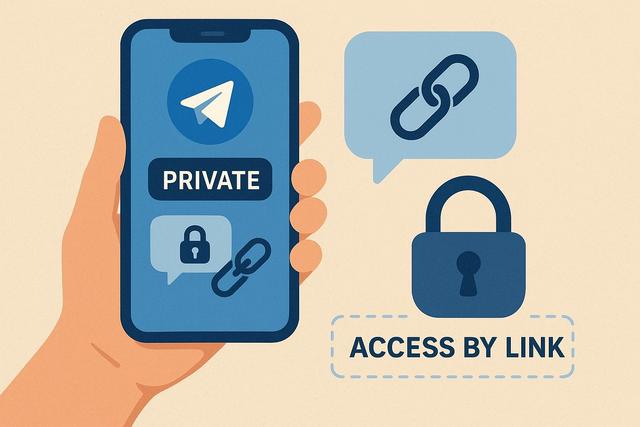
Telegram is renowned for its ability to create secure communication channels. A private channel with link access is an excellent way to share exclusive information with a select group of people. In this article, we will guide you through the necessary steps to create a private channel on Telegram that is accessible only via an invitation link.
For more detailed instructions and to download Telegram, visit the download page.
Why Create a Private Channel on Telegram?
Telegram stands out for its advanced privacy and security features. Creating a private channel on this platform offers several advantages: you can share updates with a selected group without making the content accessible to the general public. This is ideal for businesses, clubs, or any other group looking to communicate discreetly.
Steps to Create a Private Channel on Telegram
1. Open the Telegram App
Start by opening Telegram on your mobile or desktop device. Make sure you are logged into your account.
2. Access the Channel Feature
In the main menu, tap on the message icon or go directly to the main menu to create a new channel. Select 'Channel' from the available options.
3. Configure Your Channel
Give your channel a name. Ensure it clearly reflects the topic or purpose of your channel so that members know what they are joining.
4. Choose the Channel Privacy
Select 'Private' for the channel type. This ensures that only users with the invitation link can join your channel. In public mode, your channel would be visible to everyone and accessible via a search.
5. Generate the Invitation Link
Telegram will allow you to generate a unique invitation link. You can share this link with the people you want to add to your private channel.
Managing the Private Channel
Adding and Managing Members
At any time, you can manually add members or distribute the invitation link to potential subscribers. Be sure to regularly manage the member list to ensure privacy.
Pinning Important Messages
Take advantage of the message pinning feature to highlight crucial messages. This helps members easily find essential information.
Tips for Securing Your Channel
Securing a private channel is crucial. Encourage your members not to share the invitation link publicly. You can also revoke and regenerate the invitation link regularly to limit unexpected access.
Advantages of Private Access Links
Using private access links offers flexibility and control over who can join your channel. It's perfect for private online events, broadcasts limited to a community, or exclusive study groups.
Conclusion
In just a few simple steps, you can set up a private channel on Telegram, accessible only via an invitation link, ensuring security and relevance of content for the members of your choice. Enjoy the many advantages that Telegram offers in terms of private and secure communication.


