
Why a Striking Banner Matters
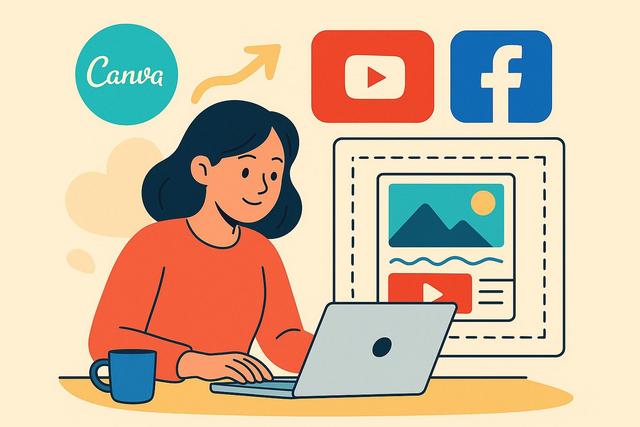
In today's digital world, an eye-catching banner on YouTube or Facebook can make all the difference. With Canva, creating these banners becomes accessible to everyone, even without design skills. Discover how to design professional banners with this powerful tool.
Get Started with Canva
To get started with Canva, visit the download page for the latest version.
Why Choose Canva for Your Banners?
Canva is an online graphic design platform that allows users to create visually appealing graphics without advanced graphic skills. Its intuitive interface and vast array of free templates make it the perfect tool for creating professional-quality YouTube or Facebook banners.
Steps to Create a YouTube Banner
Sign up and choose the right format:
Start by creating an account on Canva or log in if you’re already registered. Once in the interface, select the 'YouTube Banner' format to ensure the dimensions are optimized for this platform.Select a template:
Canva offers a wide library of templates specifically designed for YouTube. Browse through these templates and choose one that best represents your channel.Customize your template:
Use the drag-and-drop feature to change images, texts, and colors. Add your logo, slogan, or any relevant information to personalize the banner.Export your banner:
Once you are satisfied with your creation, click the 'Download' button and choose the PNG or JPG format for better image quality.
Create a Facebook Banner with Canva
Choose the right format:
Go to Canva and select the 'Facebook Cover' format. This ensures that your banner displays perfectly on the page.Explore ready-to-use templates:
Canva offers a variety of templates suited for different themes and occasions. Select one that aligns with your message or brand.Creative customization:
Edit the elements of the template according to your needs. Add graphic elements, icons, or even illustrations available on Canva to make your banner unique.Download and implement:
Download your banner in high resolution and update it on your Facebook page for immediate impact.
Tips for an Effective Social Media Banner
- Brand consistency: Ensure that your banner adheres to your brand's colors and fonts for instant recognition.
- Simplicity: Do not overcrowd your banner. A clean and readable design is often more effective.
- Clear representation: Your banner should clearly indicate the nature of your channel or page, attracting visitors' attention.
Conclusion
Creating professional banners for your YouTube or Facebook pages is now within everyone's reach thanks to Canva. By following these steps, you can easily design an eye-catching visual that perfectly reflects your brand identity. Whether you are a beginner content creator or an experienced professional, Canva helps you make a memorable first impression.


