Free Canva: Create a Professional Poster Quickly
- Aug 17, 2025 02:50 am
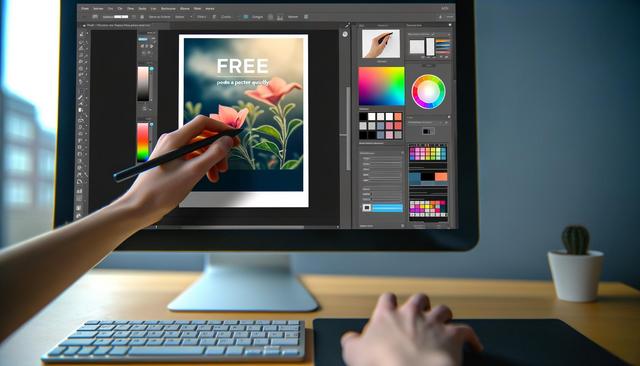
Discover how to use Canva for free to create a professional poster in just a few minutes. Whether you're a beginner or an experienced designer, Canva provides intuitive and powerful tools to bring your visual projects to life.
To download Canva, visit the following link: Download Canva Now.
With the rise of digital technology, creating posters is becoming increasingly accessible, especially with online tools like Canva that offers a free version. Whether you need a poster for an event, a promotion, or a personal project, Canva’s free version allows you to create professional designs with ease.
Why Choose Canva Free for Your Posters
Canva is an online tool that stands out for its user-friendliness and numerous features. While the platform offers a paid version, the free version is more than adequate for producing high-quality posters. With thousands of templates available, customization can be done in just a few clicks, even for beginners.
Simplicity and Accessibility
One of the main advantages of Canva free is its intuitive interface. Users do not need any technical training; everything is done through drag-and-drop. Whether you are a design professional or a hobbyist, Canva offers options suitable for all skill levels.
Ready-to-Use Templates
Another benefit is the vast library of templates that Canva provides for free. You’ll find pre-designed templates for various needs: birthday posters, promotional posters, movie posters, etc. Simply choose a template you like and add your personal touches.
Easy Customization
Customization is one of the strong points of Canva free. After selecting a template, add your images, text, and colors to tailor it to your needs. Canva also offers a wide range of free icons and photos to enrich your creation.
Steps to Create a Poster with Canva Free
Create Your Account: Go to Canva.com and sign up for free. You can use your email address, Google account, or Facebook.
Choose a Template: Browse through the template library and select the one that best suits your needs.
Customize Your Poster: Add your text, images, and logos. Change colors and fonts to reflect your unique style.
Download and Share: Once your design is complete, you can download it in various formats (PDF, PNG, JPG) and share it directly on social media or via email.
Tips to Optimize Your Creations on Canva
Use Guides and Alignments: To ensure a well-organized and professional design, use guide lines and alignment tools.
Maintain Visual Balance: Make sure visual elements do not overwhelm the poster. Leave space for each element to breathe.
Play with Contrasts: Color contrasts can draw attention to important elements of your message.
Conclusion
Canva free is an ideal solution for quickly creating professional posters. With its easy-to-use tools and vast resource library, you can produce a poster that perfectly meets your needs and expectations. So, don’t wait any longer and let your creativity flow with Canva!


