
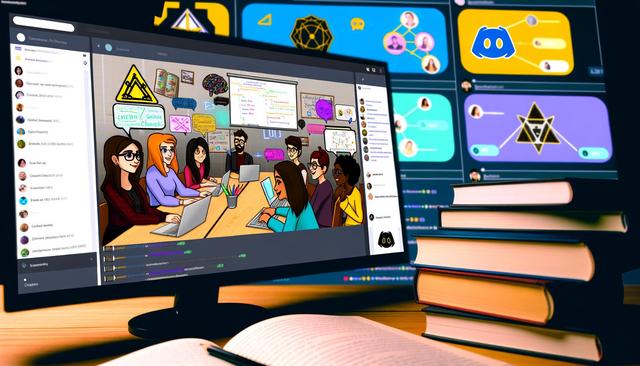
Revolutionize Online Learning with Discord
Discover how Discord can transform online learning. Easily and effectively organize courses and study groups with this platform. For more information and to download Discord, visit this page.
Discord: An Essential Tool for Learning
Discord is well-known as a communication platform for gamers, but did you know that it is also a powerful tool for teaching and learning? With features like voice channels, text channels, and screen sharing, Discord offers numerous opportunities to create a collaborative learning environment.
Creating Courses on Discord
1. Set Up Your Learning Server
The first step in using Discord for educational purposes is to create a dedicated server. This will serve as the foundation for organizing your courses. Name your server appropriately so that your students can easily recognize it. Use relevant keywords like "learning," "education," or "online courses" in the server name.
2. Organize Channels
Divide your server into different categories and channels based on subjects or course modules. For example, you can create text channels for general discussions, announcements, and assignments, as well as voice channels for live classes. This structure will allow students to navigate easily between different aspects of their learning.
3. Use Roles to Manage Access
Discord offers the ability to create roles that can be used to manage access to different parts of the server. For instance, you can create a "Student" role that grants access to course channels and a "Teacher" role for those who lead the sessions. This helps maintain a level of security and effective organization.
Organizing Study Groups
1. Create Dedicated Channels for Groups
Study groups are an excellent way to encourage collaboration among students. Use Discord to allow students to form groups around their interests or specific projects. Each group can have its own private channels for discussion and collaboration.
2. Schedule Group Study Times
Discord makes it easy to coordinate schedules through scheduling bots and notifications. This way, students can find common time slots to meet and study together, making learning more flexible and tailored to individual needs.
Advantages of Discord for Learning
1. Increased Interactivity
With interactive features like voice chats and video conferencing, students can ask questions in real-time and receive immediate answers. This enhances understanding of topics and creates a dynamic virtual classroom environment.
2. Accessibility and Ease of Use
Discord is accessible on various devices, including computers, tablets, and smartphones, allowing students to access their courses from anywhere. Additionally, its intuitive interface makes it easy to use, even for those who are not familiar with digital tools.
3. Useful Integrations
Many bots can be added to Discord to enhance the learning experience, such as quiz bots, task management tools, and even virtual assistants. These can help diversify learning and keep students engaged.
Conclusion
In conclusion, Discord is a revolutionary platform for organizing courses and study groups, offering flexibility and interactivity. Whether you are a teacher looking to adapt your courses to the digital age or a student seeking more dynamic learning methods, Discord could be the tool you need. Explore its many features and integrate them into your study routine today.


