
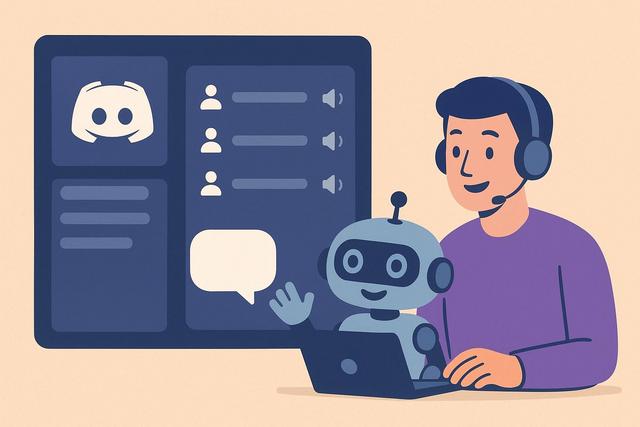
Discord is a popular platform for online communities to communicate via text and voice. To enhance the user experience, adding a bot to manage voice channels can be essential. Discover how to easily integrate a bot to organize your voice channels on Discord.
For those interested in downloading Discord, you can find the latest version here.
Why Add a Bot for Discord Voice Channels?
Adding a Discord bot can transform your server into an organized and easy-to-manage platform. Bots allow for automation of many tasks and add additional functionalities that are not available on basic Discord. For voice channels in particular, a bot can help manage the channel, control permissions, organize voice events, and much more. In short, they greatly simplify the management of your server.
Choosing the Right Bot for Your Needs
With thousands of Discord bots available, it can be tough to choose the one that will perfectly suit your voice channel structure. It is important to consider the features offered by each bot. Bots like MEE6, Groovy, or Rythm are popular for their ease of use and many voice channel-related features. Take the time to read reviews and test bots to see which one integrates best with your specific needs.
How to Add a Bot to Your Discord Server
Adding a bot to your Discord server is a simple and quick process. Here are the steps to follow:
- Search for the bot: You can explore sites like top.gg to find popular bots.
- Invite the bot: Once you've found a bot that interests you, click on the "Invite" or "Add to Server" option.
- Authorize permissions: Discord will then prompt you to select the server where you want to add the bot and to authorize the necessary permissions for it to function properly.
- Configure the bot: Finally, configure the bot according to your needs using its built-in settings or specific commands.
Managing Voice Channels with a Discord Bot
Once the bot is added, you can start using it to manage your voice channels. This can include features such as moving users between channels, adjusting volume, restricting access to certain channels, and even scheduling live audio events. Some bots also offer advanced moderation options to ensure that discussions remain appropriate and respectful.
Best Practice: Using Multiple Bots
Don’t hesitate to use multiple bots to manage different aspects of your Discord voice server. Some can be dedicated to music, others to moderation, and still others for general administration. It's essential to balance the features offered to avoid conflicts between the bots.
Conclusion
Adding a bot to manage your voice channels on Discord is a great way to enhance user experience and simplify administration. Take the time to choose the bot that fits your needs, and don't hesitate to experiment to find the perfect setup. Proper management of voice channels can transform a simple online discussion into a true interactive community.


