Record Your Voice for Twitch and YouTube Using Audacity: A Complete Guide
- Jan 14, 2026 04:51 am
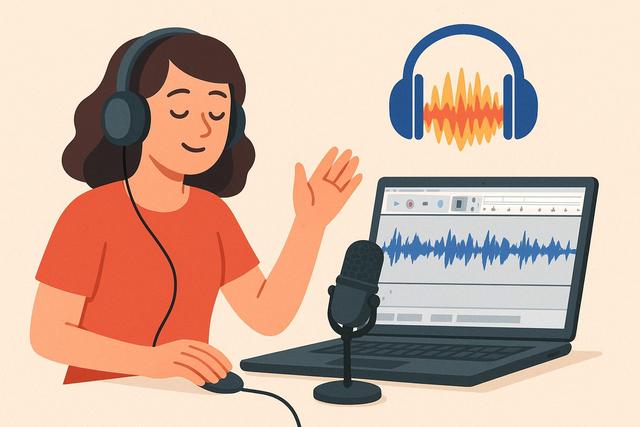
Are you looking to record your voice for Twitch or YouTube at no cost? Audacity, a powerful and free software, is your best asset. Let’s explore how to use it effectively.
To get started with Audacity, you can download the latest version here.
Download and Install Audacity
To get started, visit the official Audacity website. Download the version that corresponds to your operating system. The installation process is straightforward: just follow the on-screen instructions.
Configure Audacity for Recording
Open Audacity after installation. Access the preferences by clicking on 'Edit', then 'Preferences'. Under the 'Devices' tab, set your microphone under 'Recording'. Make sure the sample rate is set to 44100 Hz for optimal quality.
Make a Recording
Once configured, click the 'Record' button (red symbol). Speak normally into your microphone. Be sure to do a few tests to adjust the volume and avoid clipping.
Basic Editing of Your Recording
Once the recording is complete, you can remove silences and unwanted noise. To do so, select the relevant part and use the 'Silence Audio' or 'Delete' function.
Export Your Audio File
After editing, you need to export your file. Go to 'File', then 'Export'. Choose 'Export as WAV' or 'MP3' for maximum compatibility with your platforms.
Errors to Avoid
Failing to check your microphone levels can lead to distortion. Always check your volumes before recording. Additionally, regularly save your work to prevent any accidental loss.
Conclusion
Record your voice professionally with Audacity. Follow these simple steps and you'll be able to produce quality audio for your streams or videos. Get started, download Audacity, and start recording today!


