
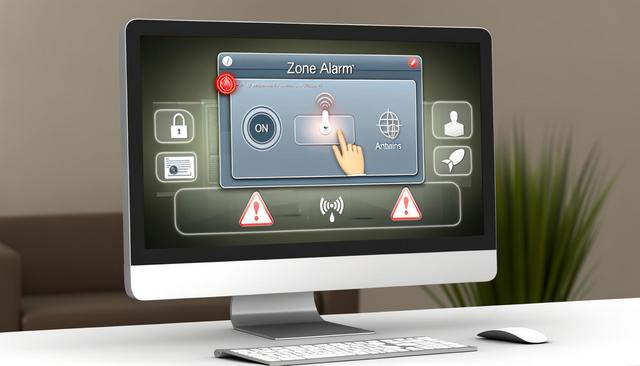
ZoneAlarm is an essential security software designed to protect your computer against various threats. Learn how to enable and optimize its security notifications for maximum protection.
To download the latest version of ZoneAlarm, visit this page.
What is ZoneAlarm?
ZoneAlarm is an internet security software that provides advanced protection against viruses, malware, and cyberattacks. With its multiple features, such as a firewall, antivirus, and privacy controls, it is renowned for securing both personal and enterprise systems. One of the most valuable aspects of ZoneAlarm is its ability to send security notifications, keeping you informed of potential threats in real time.
Why Enable ZoneAlarm Security Notifications?
Security notifications play a crucial role in alerting you when suspicious activity is detected. They enable you to act swiftly to protect your data. By activating these notifications in ZoneAlarm, you gain an additional layer of security, as you are constantly informed about intrusion attempts or malicious files trying to enter your system.
How to Enable Security Notifications on ZoneAlarm?
Access ZoneAlarm settings: Open the main ZoneAlarm panel on your computer.
Navigate to the 'Preferences' section: In the main menu, click on 'Preferences'. This is where you will manage your notification settings.
Enable security notifications: Look for the 'Security Notifications' option and ensure it is activated. Check the different types of available notifications (antivirus alert, firewall alert, etc.) to customize your protection experience.
Save your settings: After activating your preferred notifications, don’t forget to click 'Save' to apply your settings.
Optimizing Notifications for Better Security
Customization of Alerts
Proper customization of your notifications can enhance your responsiveness to threats. Adjust the frequency and level of information for each alert according to your specific needs.
Scheduling Regular Reports
Schedule periodic security reports to be sent to you via email. These detailed reports provide you with an overview of suspicious activities encountered by ZoneAlarm.
Enabling Critical Notifications
To avoid being overwhelmed by too much information, you should enable only critical notifications, such as those regarding intrusion attempts, detected viruses, and phishing activities.
Troubleshooting Common Issues
Sometimes, security notifications may not display correctly or may be sent with a delay. Ensure that your software is up to date, as updates may contain fixes for such issues. Additionally, verify that your internet connection is stable and that your firewall settings do not interfere with the receipt of notifications.
Conclusion
Enabling and optimizing security notifications in ZoneAlarm is an essential step in protecting your system from modern cybersecurity threats. By keeping an eye on real-time alerts, you can respond swiftly in case of emergencies, thus ensuring maximum security for your digital environment.


