ZoneAlarm: Enable Stealth Mode for Enhanced Security
- Nov 22, 2025 04:51 am
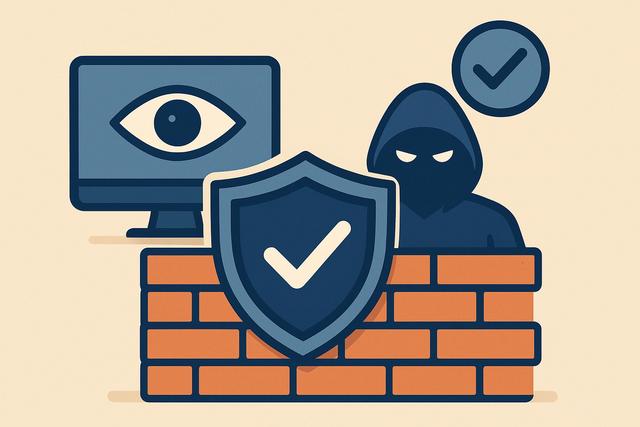
In a world where cybercrime is constantly evolving, enhancing your online security is essential. The ZoneAlarm firewall offers a stealth mode that can effectively protect your device. In this article, we will explore how to enable this feature to improve your cybersecurity.
For those looking to download ZoneAlarm, you can find the latest version here.
Understanding the Importance of Stealth Mode
Stealth mode on a firewall is an essential feature to mask your device from cybercriminals. Without this option enabled, your device may respond to pings or other connection attempts, indicating its presence to hackers. With stealth mode, your device becomes virtually invisible, reducing potential attack risks.
What is ZoneAlarm?
ZoneAlarm is an internet security software developed by Check Point Software Technologies. It is designed to protect your device against viruses, malware, and other digital threats. The ZoneAlarm firewall is one of its most critical components, offering various modes to optimize protection, including stealth mode.
Why Enable Stealth Mode on Your ZoneAlarm Firewall?
Enabling stealth mode on your ZoneAlarm firewall has numerous benefits:
- Enhanced Protection: By masking your IP address, you prevent unwanted users from locating your device.
- Reduction of Unsolicited Alerts: Eliminating unsolicited connection attempts allows for more peaceful browsing.
- Bandwidth Preservation: Less unwanted traffic leads to better utilization of your internet connection.
How to Enable Stealth Mode on ZoneAlarm
Step 1: Access Firewall Settings
Open your ZoneAlarm software. Navigate to the 'Firewall' section located in the main menu.
Step 2: Configure Stealth Mode
In the firewall options, look for visibility settings or stealth mode. Enable this option to make your device invisible to scanning attempts.
Step 3: Apply Changes
After configuring the settings, make sure to save or apply the changes to take effect immediately.
Additional Tips to Strengthen Your Security
- Keep Your Software Updated: Ensure that ZoneAlarm and all your security devices receive regular updates to counter new threats.
- Use a VPN with ZoneAlarm: A VPN will also mask your public internet access, providing a double layer of protection.
- Make Regular Backups: Protect your data with periodic backups to prevent data loss in case of an attack.
Conclusion
Enabling stealth mode on ZoneAlarm is a simple yet crucial step to enhance your online security. By making your device invisible, you significantly reduce the risk of attacks and enjoy unparalleled peace of mind. For optimal protection, combine this feature with other recommended tools to safeguard against digital threats.


