Welcome to Best Free Software Downloads Oct 01, 2026 06:19 pm

Download Adobe Acrobat Reader Free – Latest Version

Download Adobe Acrobat Reader Free

Download Adobe Acrobat Reader for free to open, comment, sign, and share PDF files securely. Discover the advanced features included in the latest version.

Introduction

Adobe Acrobat Reader is the most widely used free software for viewing, printing, and annotating PDF documents.

Main Features

  • PDF Viewing: Display any type of PDF content easily.
  • Annotation: Add notes and comments directly to PDF files.
  • Electronic Signature: Sign documents securely and efficiently.
  • Accessibility: Tools to make PDFs accessible to all users.
  • Cloud Integration: Access and store files with Adobe Document Cloud.

Installation Instructions

  1. Go to the official Adobe Acrobat Reader website.
  2. Click the “Download Acrobat Reader” button.
  3. Run the downloaded installer and follow the on-screen instructions.

Pros and Cons

  • Pros: Universally recognized, strong security features, seamless Adobe Cloud integration.
  • Cons: Can be heavy on older systems, and advanced features require a paid version.

FAQ

  1. Is Acrobat Reader free? Yes, the basic version is completely free.
  2. What’s the difference between Acrobat Reader and Acrobat Pro? Acrobat Pro includes advanced editing and conversion tools.
  3. How can I convert PDFs to other formats? Use Adobe Acrobat Pro or other online tools.
  4. Does Acrobat Reader work on mobile? Yes, it’s available for iOS and Android devices.
  5. How can I password-protect a PDF? Use Acrobat Pro to apply encryption and password protection.

Download

Download Adobe Acrobat Reader – Enjoy free, secure access to viewing and annotating PDF documents.

Find the latest updates about Adobe Acrobat Reader.

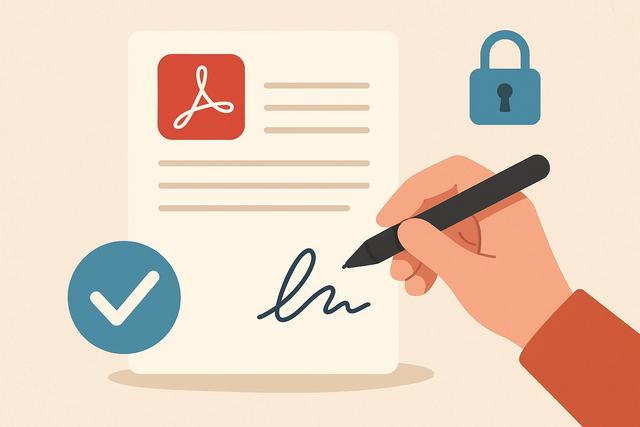
Sign PDFs for Free Using Adobe Reader

Sign a PDF for free with Adobe Reader

Introduction to Signing PDFs

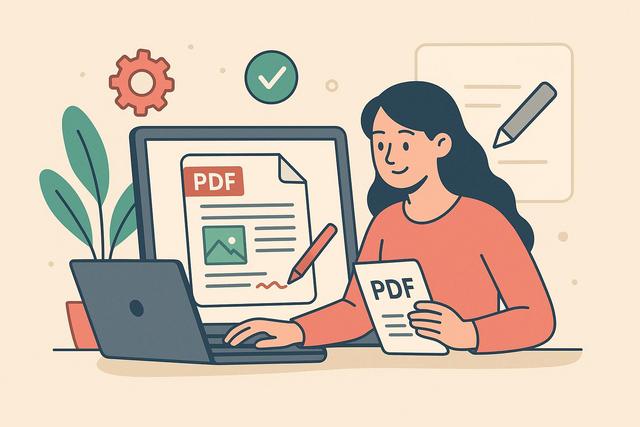
Adobe Acrobat Reader allows you to sign a PDF document for free, without the need to print or scan it. The "Fill & Sign" feature lets you add a handwritten signature, type one in, or import an image of your signature. Here are the steps to follow, useful precautions, and solutions to common issues.

For those interested in downloading Adobe Acrobat Reader, you can find the latest version here.
Corrupted PDF: Easy Solutions to Repair it

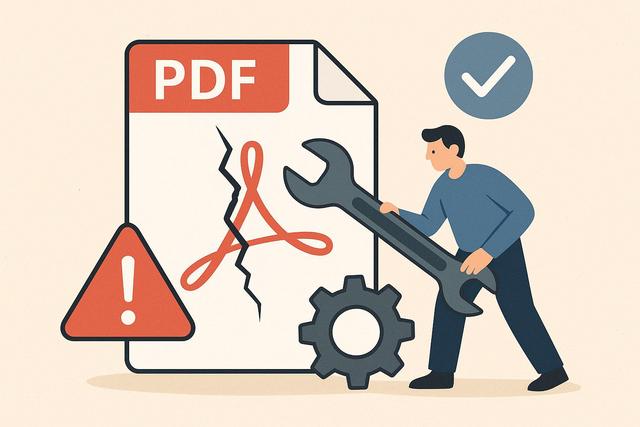
Corrupted PDF: How to Easily Repair It

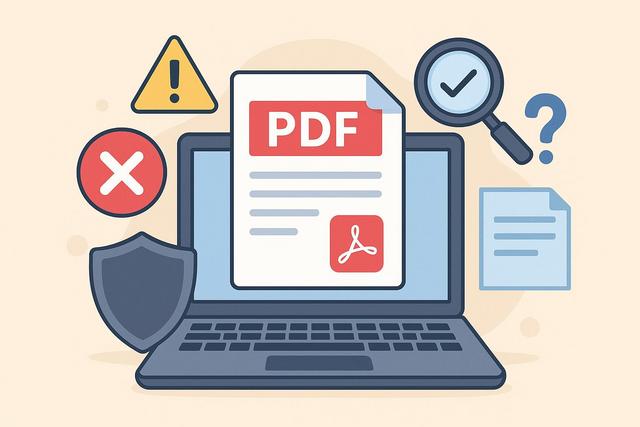
A corrupted PDF can quickly become a blocking issue, especially when the document contains important information. Error messages upon opening, blank pages, unreadable content... These situations are common. Fortunately, there are simple solutions to repair a corrupted PDF. In this article, discover how to identify the problem and easily repair a damaged PDF file, step by step.

To download the latest version of Adobe Acrobat Reader, click here.

Edit a PDF for Free: All Available Solutions

Edit a PDF for free: all the free solutions

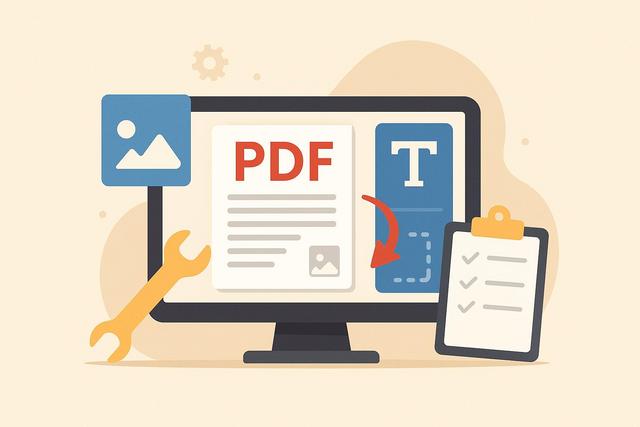
Are you looking to edit a PDF for free? You're not alone. Many users need to add text, sign a document, or correct an error without purchasing expensive software. Fortunately, there are several simple and effective free solutions available. Here’s a comprehensive guide to help you understand your options and choose the method that best fits your needs.

To download Adobe Acrobat Reader for free, click here.

Free PDF Software: What Limitations You Need to Know

Free PDF Software: What Limits Should You Know?

Free PDF software may seem adequate for reading, editing, or signing documents. However, these tools often come with significant limitations. Before adopting them for personal or professional use, it is crucial to understand their restrictions. This is a comprehensive guide to identifying the main limitations of free PDF software and choosing the solution that suits your needs.

For users looking for a reliable option, you can download Adobe Acrobat Reader for free.

Free Software to Easily Edit PDF Files

Free software to easily edit a PDF

Are you looking for free software to edit a PDF without having to purchase an expensive solution? You are not alone. Many users want to correct text, add a signature, or fill out a PDF form without paying for a subscription. In this article, discover the best free solutions for editing a PDF, their advantages, limitations, and practical tips to choose the tool that suits you.

For a reliable and efficient PDF editing experience, consider downloading Adobe Acrobat Reader.