
Welcome to Best Free Software Downloads 03/20/2026 05:12am

Download Zoom Free – Join or Host Online Meetings

Download Zoom Free

Join and manage secure video meetings with Zoom, the leader in online communication. Download the latest version of Zoom for enhanced collaboration and productivity.

Introduction

Zoom is a leading video communication platform that allows users to connect virtually through video and audio meetings, webinars, conference rooms, and more.

Main Features

  • HD Video and Audio: Enjoy clear, reliable communication.
  • Screen Sharing: Share your screen with meeting participants easily.
  • Meeting Recording: Record meetings locally or to the cloud.
  • Live Chat: Send instant messages during meetings.
  • Enhanced Security: End-to-end encryption for maximum protection.

Installation Instructions

  1. Visit the official Zoom website.
  2. Click the download button for your operating system.
  3. Run the installer and follow the on-screen instructions to complete the setup.

Pros and Cons

  • Pros: Easy to use, robust meeting features, integrates with calendar apps.
  • Cons: Requires a stable internet connection; past privacy concerns have been raised.

FAQ

  1. Is Zoom free? Yes, the free plan offers limited features. Paid plans provide additional tools.
  2. How do I join a Zoom meeting? Click the meeting link or enter the meeting ID in the app.
  3. Can I use Zoom on mobile? Yes, Zoom apps are available for iOS and Android devices.
  4. How do I secure my Zoom meetings? Use a meeting password and enable the waiting room feature.
  5. Does Zoom support webinars? Yes, webinar functionality is included in paid plans.

Download

Download Zoom – Start hosting and joining online meetings with ease and efficiency today.

Latest updates about Zoom

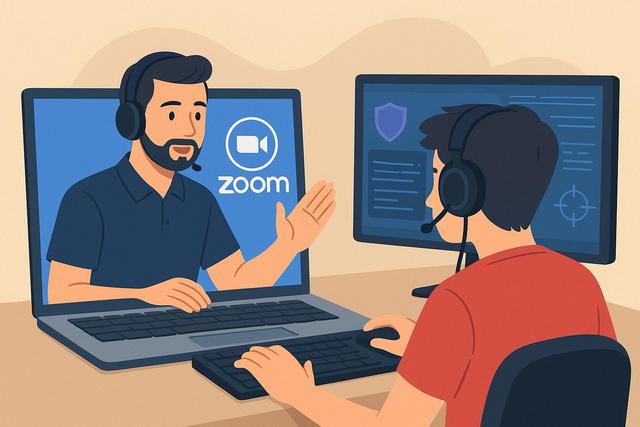
Organizing Remote Esports Coaching Sessions via Zoom

Organizing Remote e-Sports Coaching with Zoom

The remote e-sports coaching industry is experiencing significant growth as more players seek to improve without geographical constraints. Zoom provides a simple and effective solution for organizing online sessions, analyzing gameplay, and supporting competitive teams. However, successfully conducting e-sports coaching via videoconference requires a clear method, appropriate tools, and thorough preparation. In this article, discover how to conduct remote e-sports coaching with Zoom in a professional, efficient, and performance-optimized manner. You can download the latest version of Zoom here.

Free Zoom: Key Features and Overview You Need to Know

Zoom Free: Overview and Features to Know

Introduction to Zoom Free Version

Zoom has established itself as an essential tool for video conferencing. Discover the features offered by the free version of Zoom, which is perfect for individuals and small businesses.

Explore Zoom Features

To learn more about downloading Zoom, visit the download page.

Zoom vs. Other Video Conferencing Software: A Comprehensive Comparison

Zoom vs. other video conferencing software: Comparison

Introduction to Video Conferencing

Video conferencing has become essential in our professional and personal communications. Among the numerous options available, Zoom has established itself as a leader, but how does it compare to other video conferencing software? In this article, we will analyze Zoom's features against its competitors and determine which tool best meets your needs.

Download Zoom

To get started with Zoom, you can download the latest version here.

Zoom 5.12.7: Enhancements for Security, Collaboration, and Performance!

On May 2, 2024, Zoom released version 5.12.7 of its popular video conferencing software. This new version brings a number of enhancements, including:

Security Improvements:

  • AES 256 GCM encryption support for meetings: This new encryption option provides an even higher level of security for your Zoom meetings.
  • Enhanced user management: Administrators can now better control access to meetings and Zoom features for users.
  • New security controls for meetings: Meeting hosts can now disable screen sharing and annotation for all participants.

For those interested in upgrading, you can download the latest version of Zoom here.