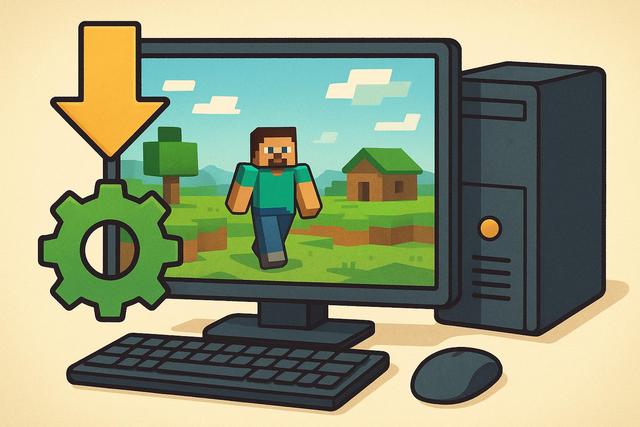
Minecraft remains one of the most popular games in the world; however, it can quickly become resource-intensive on a low-end PC. If your computer lacks sufficient RAM, processing power, or a high-performance graphics card, the game may slow down, stutter, or experience frame rate drops. Fortunately, you can easily optimize Minecraft with appropriate settings and a few effective tools. In this comprehensive guide, we explain how to improve Minecraft's performance on a low-end PC, allowing you to enjoy a smooth gaming experience without upgrading your hardware.
For those interested in downloading the latest version of Roblox, you can find it here.