Welcome to Best Free Software Downloads Oct 01, 2026 08:14 pm

Easily Host a Free Zoom Meeting on PC

Organizing a Free Zoom Meeting on PC Made Easy

How to Organize a Free Zoom Meeting

Do you want to organize a free Zoom meeting on your PC without any hassle? Whether for work, study, or a family gathering, Zoom remains one of the simplest tools for creating a video conference. In this comprehensive guide, you will learn how to create an account, schedule a meeting, invite participants, and effectively manage your session—all for free. For the latest version of Zoom, you can download it here.

Slow Computer: Common Causes and Effective Solutions

Slow computer: common causes and effective solutions

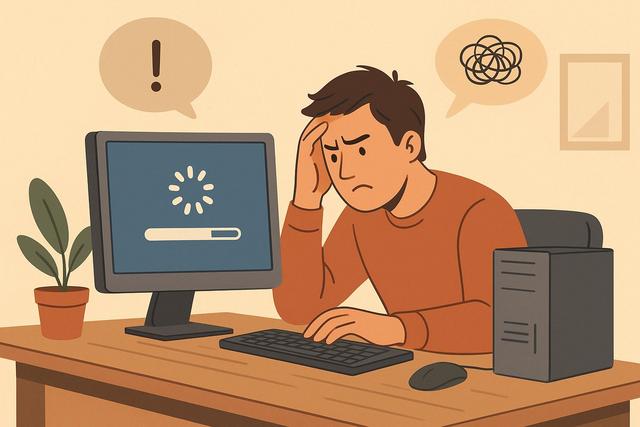
Is your computer slow to start or during use? This issue affects many users, whether on PC or Mac. A slow computer can have several causes: resource-intensive software, lack of disk space, viruses, or aging hardware. In this article, discover the common reasons for a slow computer and, most importantly, concrete solutions to regain good performance.

For a reliable solution, you can download CCleaner here.

ODT vs DOCX: Compatibility, Differences, and Use Cases

ODT vs DOCX: compatibility, differences, and uses

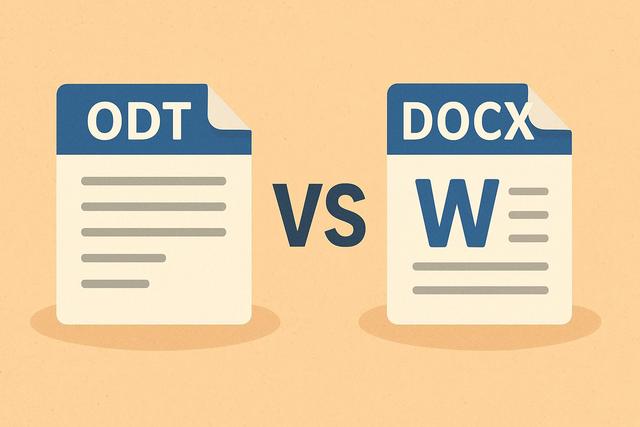
Are you uncertain between the ODT and DOCX formats for creating or sharing your documents? Although these two word processing formats may seem similar, they cater to different uses and needs. Compatibility, software, collaboration, formatting: this is a clear guide to understanding the differences between ODT and DOCX and choosing the most suitable format for your situation.

For those interested in working with the DOCX format, you can download the latest version of Microsoft Office for free.

Cleaning Your PC After Uninstalling a Program: A Complete Guide

Clean a PC after uninstalling a program

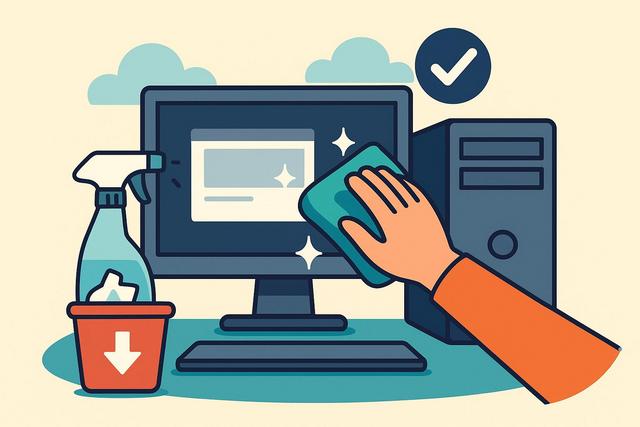
Uninstalling software is not enough to completely remove it from your computer. Residual files, registry keys, and hidden folders can remain on your PC. These items take up space and may slow down your system. Here’s how to clean your PC after uninstallation, step by step, in a simple and effective way.

For an even more thorough cleanup, consider using CCleaner, a powerful tool designed to optimize and clean your system efficiently.